
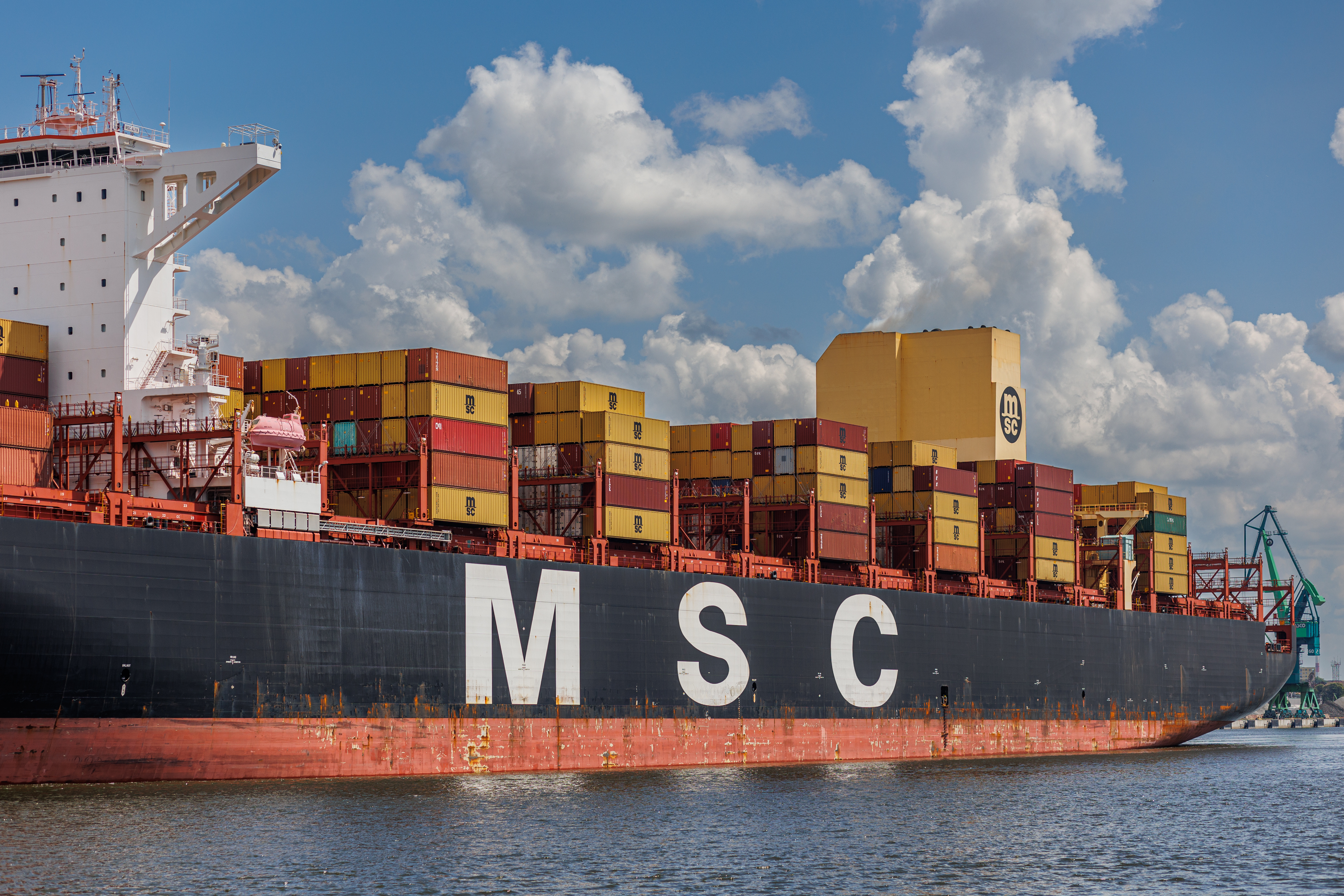
For MSC shipments, the Bill of Lading is the shipment-level document that ties all containers under one contract. You will find the BL number on the issued Bill of Lading and on related documentation emails. MSC accepts BL numbers with legacy prefix MSCU and the newer prefix MEDU. When you need one consistent timeline that includes split legs or transshipment, use the BL rather than a single container number.
Where To Find the BL Number in MSC Docs and Emails
Locate the field labeled Bill of Lading No. on the face of the document or in the shipment binder email. On the printed BL it appears near the top right. In email notifications it appears alongside shipment identifiers.

MSC BL Number Format
MSC issues BL numbers that begin with a carrier prefix followed by an alphanumeric string. Two prefixes are in circulation: MSCU and MEDU. Both are valid and may appear during a transition or in historical documents. Enter the full prefix and sequence when searching.
- Common input mistakes: letter O vs zero, dropped prefix, misplaced spaces, and leading zeros.
- Validation tips: copy directly from the BL PDF or shipment email, avoid manual retyping, and test both prefixes if your paperwork spans the transition period.
BL vs Container vs Booking at MSC
When to use BL: you have multiple containers under one shipment, legs handled by partner feeders, or partial rolls. BL keeps a single shipment view when individual containers are on different vessels.
When to use container: you need unit-level milestones such as gate events or yard moves for a single box.
When to use booking: you are still in pre-carriage or do not yet have the issued BL. Booking numbers can surface limited status but are less reliable across downstream legs.
Multiple Containers Under One BL
It is normal for containers under one BL to separate during transshipment. To reconcile:
- Start from the BL to confirm the full intended route and vessel string.
- Open container-level views only for exceptions such as a roll, a customs hold, or late gate.
- If one container shows No record found after a transshipment window, recheck the BL and partner feeder leg.
Common Errors and Fixes
- No record found: remove spaces, confirm the prefix, and re-enter from the PDF. If the shipment just issued, allow for system lag.
- Transshipment masking: some partner feeder legs update later. Use the BL view first, then drill down by container to confirm the late leg.
- Booking vs BL confusion: if a booking number returns limited results, switch to the issued BL once available.
Work Smarter With One BL Across Carriers
For purchase orders that span multiple carriers or feeder partners, the BL gives finance and operations one reference point. Use the BL for your shared link and exception handling, then open box-level details only when you investigate a specific delay.
Connects To TRADLINX
If you manage MSC BLs alongside other lines, TRADLINX maps every carrier’s events to one standard BL timeline. Billing is at BL level, so you pay once per shipment and can share one live link with customers or suppliers.

Last verified: 2025-11-06 • Volatility: Low
Sources
- MSC advisory on MEDU BL prefix
- MSC tracking page
- MSC Bill of Lading terms and conditions (specimen format)
Why overpay for visibility? TRADLINX saves you 40% with transparent per–Master B/L pricing. Get 99% accuracy, 12 updates daily, and 80% ETA accuracy improvements, trusted by 83,000+ logistics teams and global leaders like Samsung and LG Chem.


Prefer email? Contact us directly at min.so@tradlinx.com (Americas), sondre.lyndon@tradlinx.com (Europe) or henry.jo@tradlinx.com (EMEA/Asia)




Leave a Reply