
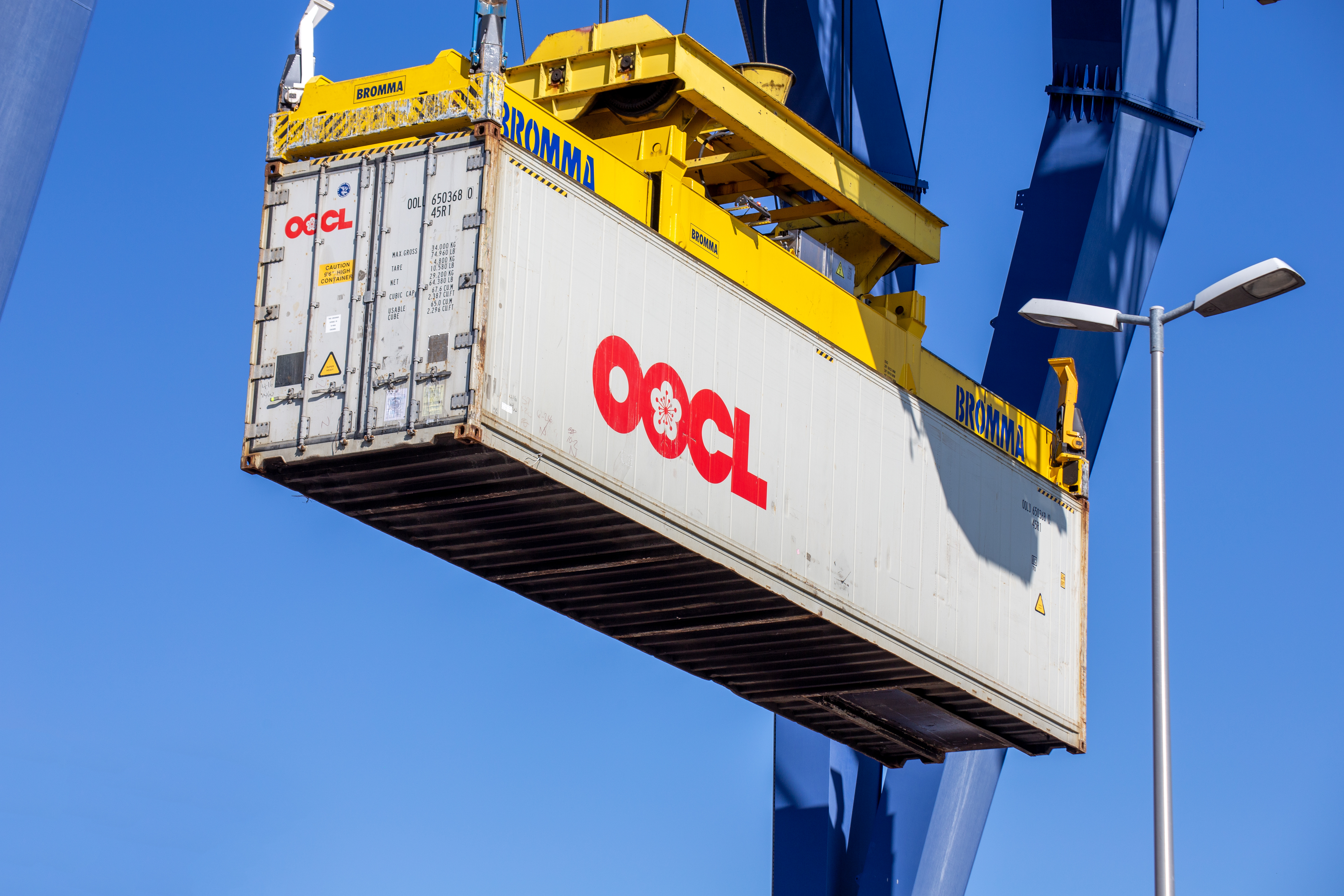
Tracking your OOCL shipment in 2025 requires the right tools to ensure real-time updates on cargo movements. This guide explains step-by-step how to track your OOCL shipments, the best tools to use, and why third-party tracking solutions offer superior visibility compared to standard carrier tracking.
1. Key Information You Need for OOCL Tracking
To track your OOCL shipment, you will need one of the following:
- Bill of Lading (B/L) Number: A unique identifier issued for your shipment.
- Container Number: The container’s unique tracking number.
- Booking Reference Number: Provided at the time of booking.
Using these details, you can access real-time tracking information through TRADLINX’s OOCL B/L Tracking Tool, which offers enhanced features beyond OOCL’s standard tracking.
2. How to Track Your OOCL Shipment Online (Step-by-Step)
Method 1: Track Your OOCL Shipment with B/L Tracking
TRADLINX provides a comprehensive B/L tracking tool that delivers real-time shipment updates, transshipment details, and estimated time of arrival (ETA).
- Step 1: Go to the TRADLINX B/L Tracking Tool.
- Step 2: Enter your OOCL B/L Number. OOCL B/L numbers start with
OOLUfollowed by 8 to 12 characters. - Step 3: Click “Track B/L” to retrieve live tracking details.
- Step 4: View real-time updates, including departure and arrival ports, transshipment points, and estimated arrival times.
Why Use TRADLINX for OOCL Shipment Tracking?
- Track multiple OOCL shipments at once—ideal for freight forwarders and logistics providers.
- Get automated alerts for critical shipment milestones.
- Access real-time container events and operational logs.
- Enjoy a centralized dashboard to monitor all shipments in one place.
Upgrade to TRADLINX Ocean Visibility for: Full satellite AIS tracking, advanced real-time updates, and cost-effective logistics monitoring.
Method 2: Track OOCL Vessels in Real-Time Using TRADLINX Vessel Tracking
If you need to track a vessel carrying your OOCL shipment, TRADLINX provides a powerful AIS Vessel Tracking tool.
- Step 1: Enter the Vessel Name, MMSI, IMO, or Call Sign into the TRADLINX Vessel Tracking search.
- Step 2: View real-time data, including location, speed, and estimated arrival time.
- Step 3: Monitor vessel movements and adjust logistics planning accordingly.
3. Understanding Your OOCL Tracking Status
| Tracking Status | Meaning |
|---|---|
| Loaded on Vessel | The container is on the ship and ready for departure. |
| In Transit | The vessel is en route to its destination. |
| Arrived at Port | The container has reached the port and is awaiting unloading. |
| Customs Clearance | The shipment is undergoing customs processing. |
| Out for Delivery | The container has left the port for its final destination. |
4. Final Thoughts: Stay in Control of Your OOCL Shipments
In 2025, efficient OOCL shipment tracking is essential for avoiding delays, optimizing logistics, and maintaining supply chain efficiency. While OOCL provides basic tracking, third-party solutions like TRADLINX offer real-time visibility, multi-shipment tracking, and advanced notifications to help logistics service providers stay ahead.
Why overpay for visibility? TRADLINX saves you 40% with transparent per–Master B/L pricing. Get 99% accuracy, 12 updates daily, and 80% ETA accuracy improvements, trusted by 83,000+ logistics teams and global leaders like Samsung and LG Chem.


Prefer email? Contact us directly at min.so@tradlinx.com (Americas) or henry.jo@tradlinx.com (EMEA/Asia)




Leave a Reply