
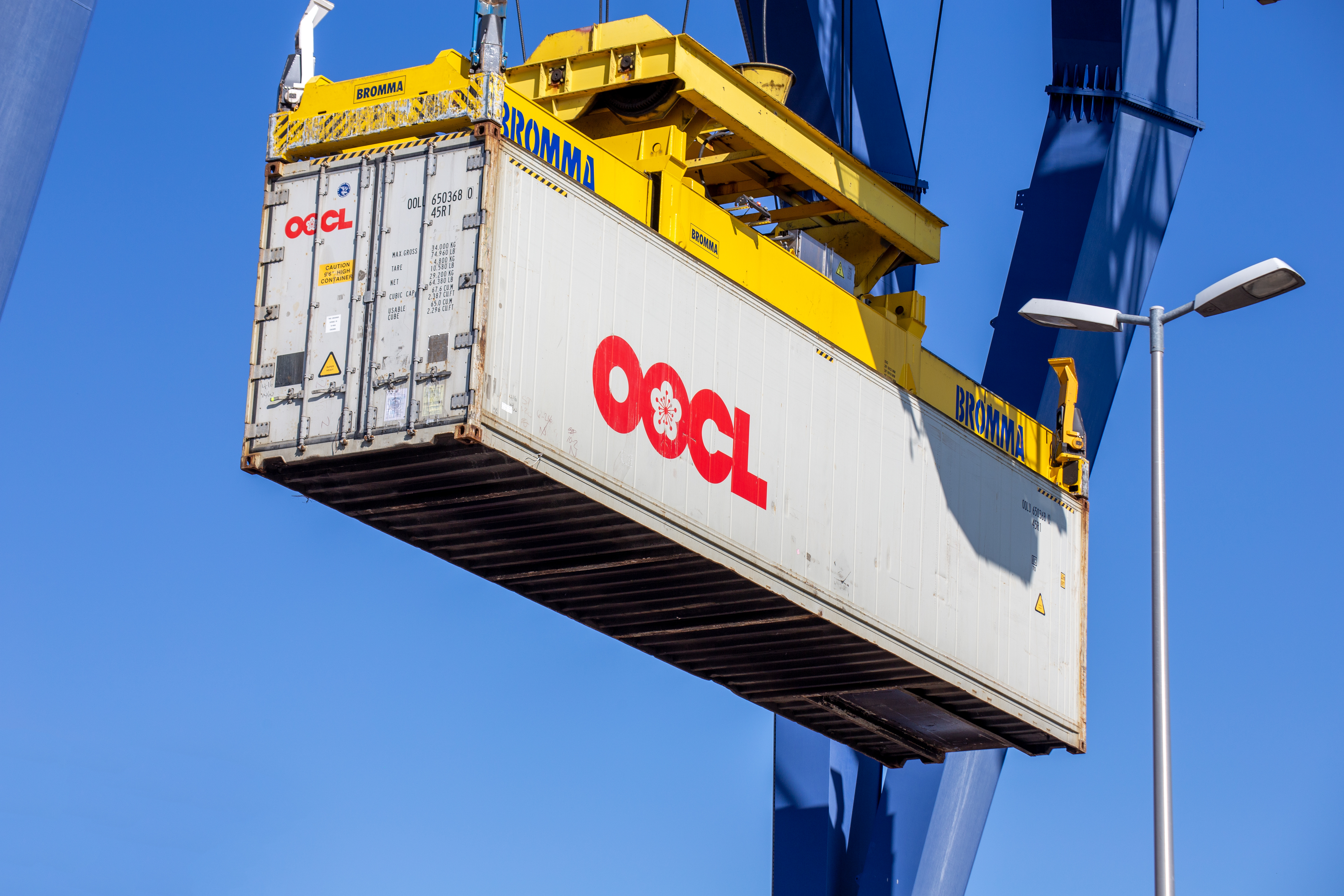
Looking to track your OOCL containers in real time? Whether you’re monitoring shipments to Los Angeles or moving cargo through Busan, this 2025 guide explains how to get real-time container updates, status alerts, and ETA forecasts using TRADLINX—going beyond the limitations of OOCL’s native system.
1. What You Need to Track OOCL Containers
Before tracking, make sure you have one of the following references ready:
- Container Number: Typically begins with
OOLU(e.g.,OOLU1234567). - Booking Number: Provided during shipment confirmation.
- Bill of Lading (B/L) Number: Optional but useful for tracking multi-container shipments.
Use our OOCL Container Tracking Tool to access live status updates across global shipping routes.
2. How to Track Your OOCL Container (Step-by-Step)
- Step 1: Go to the OOCL Tracking Page on TRADLINX.
- Step 2: Enter your container number (e.g.,
OOLU1234567). - Step 3: Click “Track Container” to view the latest milestones and estimated delivery.
Why Use TRADLINX Over OOCL’s Native Tracking?
- Faster milestone refresh across global ports.
- Supports batch tracking for large or multi-carrier shipments.
- Automated alerts for key events like vessel arrival, discharge, and delivery.
3. Understanding OOCL Container Status Updates
| Status | Description |
|---|---|
| Gate In | Container received at origin terminal, pending loading. |
| Loaded | Container placed aboard vessel for departure. |
| In Transit | Vessel is en route to discharge port. |
| Discharged | Container offloaded at destination terminal. |
| Out for Delivery | Container is moving to final consignee or inland depot. |
4. Troubleshooting Common OOCL Tracking Issues
- No tracking updates? Confirm container ID (e.g.,
OOLU1234567) is entered correctly. - Event delays? TRADLINX aggregates from multiple data sources to fill gaps from slow carrier updates.
- Need broader shipment visibility? Use B/L tracking or vessel-level tracking for more complete insights.
If problems persist, contact TRADLINX support for investigation or escalation with the carrier.
5. A Smarter Way to Track Multi-Container Shipments
Tracking each container individually adds up fast in cost and complexity. With TRADLINX’s Bill of Lading (B/L) tracking, you get full shipment visibility at one flat rate.
B/L tracking covers every container under a single shipment—ideal for forwarders or logistics teams handling multiple boxes or transshipments.
- One B/L, One Price: Track all containers in the shipment at no extra charge.
- Higher Data Accuracy: Especially during modal transitions or transshipments.
- Easier Management: Centralized view of your shipment progress across regions and ports.
Learn more about B/L tracking vs. per-container tracking and why it’s the smarter choice for scale.

6. OOCL Container Tracking FAQs
- Can I track multiple OOCL containers?
Yes. TRADLINX enables batch container tracking and B/L-level shipment visibility. - Is this service free?
Basic container tracking tools are free to use on TRADLINX. - What regions are supported?
TRADLINX supports OOCL shipments globally, including Asia, Europe, North America, and Oceania. - What’s the most cost-effective tracking method?
B/L tracking provides the best value for multi-container or complex shipments. - What other tracking tools does TRADLINX offer?
We also offer vessel tracking and real-time B/L tracking across carriers and modes. - Is my shipment data secure?
Yes. TRADLINX uses enterprise-grade encryption and data security standards.
Don’t settle for partial updates. Use the TRADLINX OOCL Container Tracking Tool to stay ahead of delays and manage every shipment milestone confidently.
Why overpay for visibility? TRADLINX saves you 40% with transparent per–Master B/L pricing. Get 99% accuracy, 12 updates daily, and 80% ETA accuracy improvements, trusted by 83,000+ logistics teams and global leaders like Samsung and LG Chem.


Prefer email? Contact us directly at min.so@tradlinx.com (Americas) or henry.jo@tradlinx.com (EMEA/Asia)



Leave a Reply