
If you’re in freight forwarding, you’ve heard that question more times than you can count. As customer expectations rise, being able to answer it instantly—and accurately—is no longer a bonus. It’s the baseline.
In 2025, your clients expect to track their ocean shipments like they track a food delivery. They want real-time status, estimated arrival times, and a way to check it all without emailing or calling you. But for most forwarders, giving clients that level of visibility has meant expensive platforms or in-house development.
That’s where Track On-Site comes in. It’s a fast, simple way to give your customers live shipment tracking—right from your own website. No engineering team. No long onboarding. Just a widget that works.
Why Customer-Facing Tracking Isn’t Just a “Nice-to-Have” Anymore
Customer inquiries cost time. Lack of visibility creates stress. And slow updates erode trust. With global supply chains under pressure, logistics service providers that offer real-time, self-service tracking are gaining a clear advantage.
- 📉 Lower support workload: Clients get updates on their own—no need to email or call.
- 📈 Higher satisfaction: Clients see you as transparent, tech-enabled, and proactive.
- 💼 Stronger brand: Your website becomes a hub for real-time tracking, not just marketing.
In short: shipment tracking isn’t just an operational tool. It’s a customer experience differentiator. And in a market where loyalty is earned daily, that matters.
Track On-Site: The Easiest Way to Show Shipments On Your Website
Track On-Site is a widget from TRADLINX that gives your clients real-time ocean freight tracking—embedded directly into your website. Instead of building a customer portal from scratch, you can offer visibility with a copy-paste install.
- ✔️ Embeds in minutes: Just copy the script into your website’s HTML—no dev work required.
- 🌐 Fully branded: Add your logo, language, and styling to match your site.
- 📦 Covers the full journey: From Port of Loading to Port of Discharge, including inland pickup and return.
Track On-Site runs on TRADLINX Ocean Visibility infrastructure, trusted by over 83,000 brands globally. Whether your customers are asking about a BL number, container status, or vessel delay—it’s all there.
And unlike other tools, there’s no need for clients to log in or download an app. Just enter a number and track.

Why Most Tracking Widgets Don’t Work for Freight Forwarders
Many “tracking plugins” are made for e-commerce—not freight. They work great for parcel couriers but fall short for ocean shipments. That’s because:
- ❌ They’re not built for BL or container numbers—Most require tracking IDs from last-mile carriers.
- ❌ They miss vessel delays, port updates, or inland moves—critical for ocean freight visibility.
- ❌ They’re not built with freight workflows in mind—like multiple shipments tied to one BL.
That’s why Track On-Site is different. It’s made specifically for freight forwarders, with visibility that covers:
- BL-based and container-based tracking
- Live vessel status and ETAs
- Real-time exception alerts and delivery events
- Pickup, delivery, and return status updates
In short, it’s what your clients are actually asking for—and what your competitors probably aren’t offering yet.
Success Stories: What Happens When You Add Track On-Site
Logistics companies using Track On-Site have seen measurable improvements in both customer satisfaction and internal efficiency. Here’s what implementation has delivered for real-world users:
- 📉 50% drop in customer inquiries: Clients get shipment answers on their own—no need to call or email.
- 📈 30% increase in repeat business: Forwarders report higher client trust and loyalty due to transparency.
- ⏱️ 75% faster report generation: Teams spend less time compiling updates and more time on strategic work.
- 🛠️ 80% faster issue detection: Exception alerts help teams respond before small problems become big delays.
Most importantly, Track On-Site creates a customer experience that feels modern, proactive, and easy to trust—qualities that drive long-term relationships and margin growth.
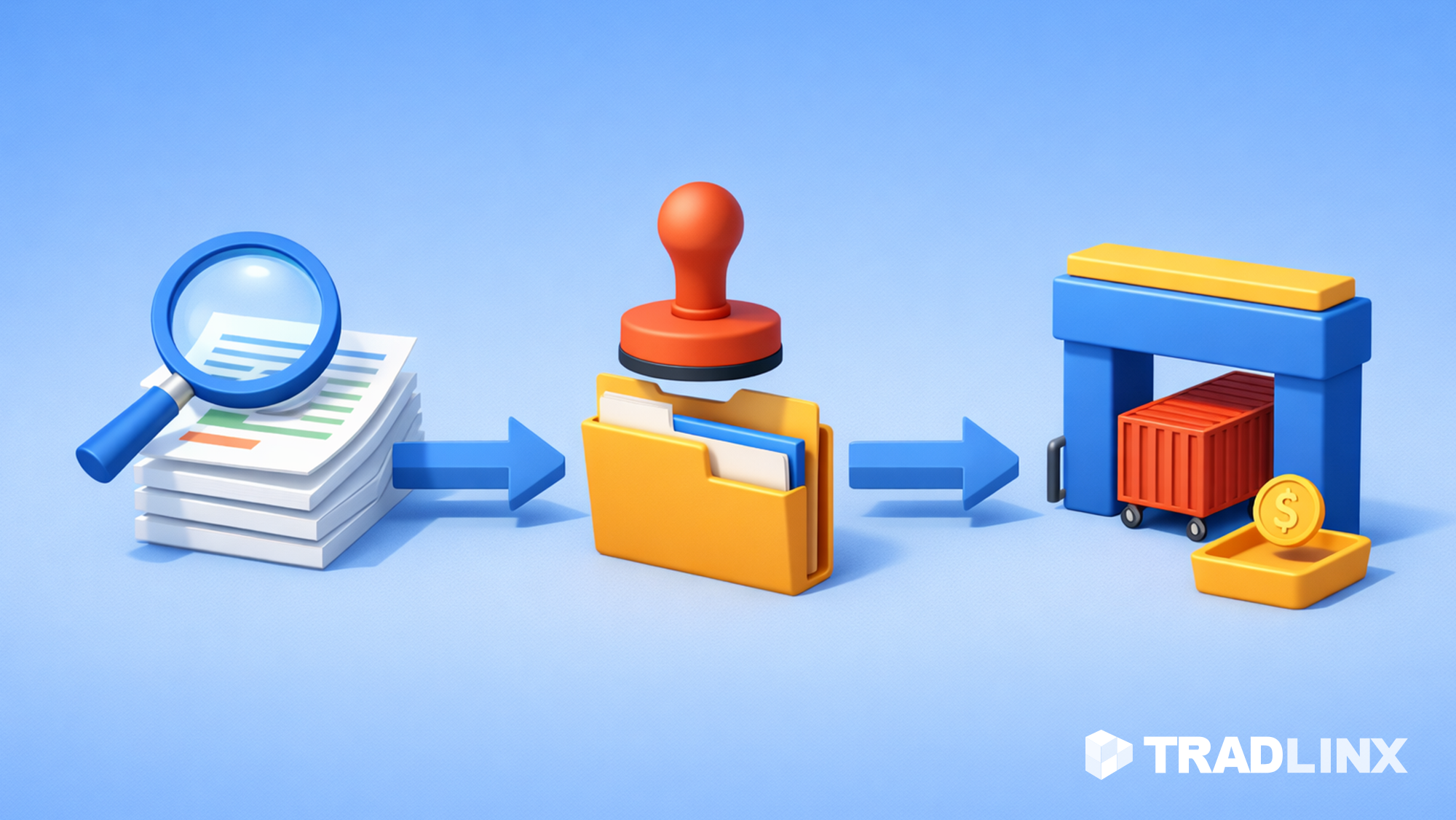
How to Add Track On-Site in Just 3 Steps
Getting started with Track On-Site is as easy as copy, paste, and go. Here’s how:
- Step 1: Copy your code – Visit the setup page in TRADLINX and get your auto-generated embed script.
- Step 2: Paste into your website – Drop the script into your tracking or support page. No complex programming needed.
- Step 3: Start tracking – Customers can now enter their BL or container number to get live updates.
Installation takes less than 30 minutes in most cases—and it’s fully customizable to match your brand.
Whether you’re a small forwarder or scaling across multiple countries, Track On-Site helps you offer enterprise-grade visibility without enterprise-level effort or cost.

What Logistics Teams Should Take Away
Customer-facing shipment tracking has become a baseline expectation. But most freight forwarders still offer little to no visibility after booking confirmation. Track On-Site changes that—quickly and affordably.
- 🕒 Saves time: Cuts down on repetitive support tasks and manual report generation.
- 📦 Builds trust: Customers get proactive answers instead of radio silence.
- 💰 Cost-effective: No developers, no long onboarding, no hefty platform fees.
It’s a small change that leads to massive gains in customer loyalty, operational clarity, and brand professionalism.
Ready to Add Real-Time Tracking to Your Website?
TRADLINX Ocean Visibility powers Track On-Site, delivering real-time updates, BL-based lookup, and customizable display. It’s trusted by forwarders across the globe—and it’s ready for you.
Start your free trial or connect with our experts to see how Track On-Site can save time, reduce calls, and improve client satisfaction—starting today.

Common Questions About Track On-Site
How long does setup take?
Usually under 10 minutes. Just copy your code from TRADLINX and paste it into your website.
Do I need a developer to install it?
No. Most users can set it up with basic web access or with help from their web manager. No API integration needed.
What types of shipments does it support?
Track On-Site supports BL-based ocean freight tracking—including container milestones, vessel status, and delivery steps.
Can I customize the appearance?
Yes. You can edit the label, icon, and embed styling to match your brand look and feel.
Is there a cost?
It’s included with the TRADLINX Essential plan and above. It’s also available for trial with no long-term commitment.
Why overpay for visibility? Tradlinx saves you 40% with transparent per–Master B/L pricing. Get 99% accuracy, 12 updates daily, and 80% ETA accuracy improvements, trusted by 83,000+ logistics teams and global leaders like Samsung and LG Chem.


Prefer email? Contact us directly at min.so@tradlinx.com (Americas), sondre.lyndon@tradlinx.com (Europe) or henry.jo@tradlinx.com (EMEA/Asia)



Leave a Reply