
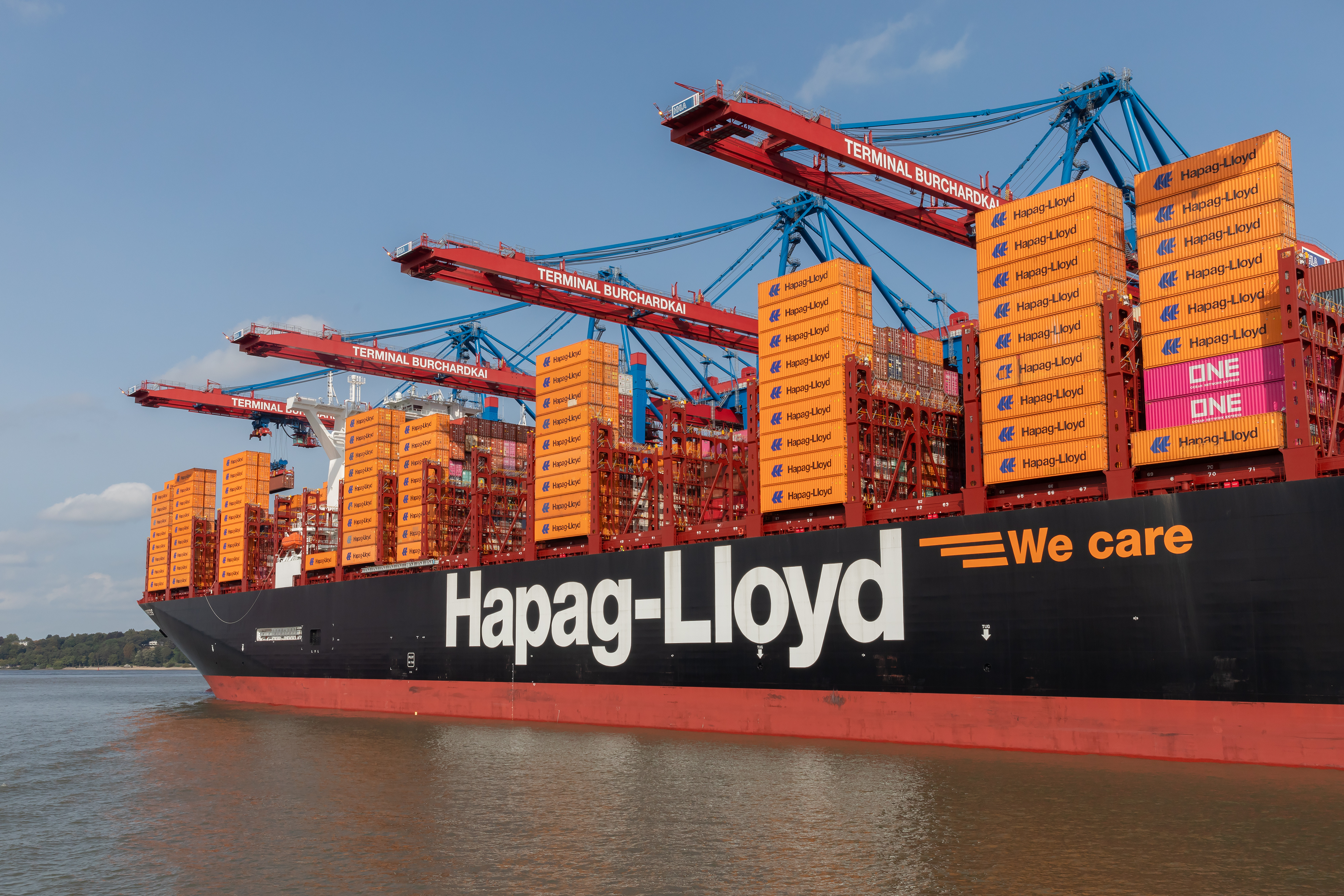
Quick answer: Hapag-Lloyd’s customer view updates when confirmed milestones are recorded in the line’s systems. Before the first actual event posts, your page can look quiet or show planned data. Use the official tracking views, subscribe to tracing notifications, and cross check schedules during quiet periods. Do not assume a fixed refresh timer. Treat each change as a confirmation of a real handling step.
How Hapag-Lloyd tracking actually updates
Hapag-Lloyd surfaces status as shipment, equipment, and transport events are confirmed. You can track by container, booking, or BL and subscribe to change notifications. The tracking pages reflect planned versus actual states, and the API exposes the same event model for system integration.
- Track by Container shows planned and actual movements.
- Tracking overview explains tracking by booking or container and the subscription option.
- Tracing Subscription sends an email whenever a subscribed event changes in Hapag-Lloyd’s system.
- Track & Trace API provides shipment, equipment, and milestone events for integration.
Note: Hapag-Lloyd also offers smart container features like Live Position for IoT equipped boxes. That is different from shipment event postings in standard Track & Trace, which still follow confirmed operational events (homepage note).
Why updates lag on Hapag-Lloyd
- Pre sailing gap: After Gate In the next visible change is often Loaded. If a feeder or slot is not final, the record can remain planned until loading is confirmed.
- Planned versus actual: Local FAQs state the container view shows either actual data or data for planned movements tied to the last booking. Quiet pages usually mean no new actuals yet (Belgium FAQ).
- Handoffs between systems: Terminals and inland systems post events to the line. Any delay in EDI or API flows postpones the customer view. This planned versus actual behavior aligns with DCSA Track & Trace standards.
- Feeder or transshipment planning: If the onward vessel is not finalized, a named ship may not appear until assignment and loading.
- No universal cadence: Hapag-Lloyd promotes notifications for ETA and status changes but does not promise a fixed refresh interval in customer view (Switzerland FAQ).
Status to event mapping
| What you see | What it usually means | Standard reference |
| Gate In | Unit entered terminal and awaits loading | DCSA glossary Equipment Gate In |
| Loaded | Unit loaded on vessel for the leg | DCSA glossary Equipment Loaded |
| Vessel departed | Voyage leg started | DCSA glossary Transport Departure |
| Discharged | Unit unloaded at transshipment or discharge port | DCSA glossary Equipment Discharged |
| Gate Out | Unit released from terminal | DCSA glossary Equipment Gate Out |
Tip: If transshipment is involved, treat ETA as provisional until Loaded posts on the outbound vessel.
What to do when Hapag-Lloyd tracking seems stuck
- Search by BL and container on Track by Container. Cross check the next sailing in Tracking overview and the vessel tracker link there.
- Subscribe to Tracing Subscription so you do not miss the first Loaded or Discharged event.
- If your team needs system level access, use the Track & Trace API.
What could still be confusing: many expect a clock like “every X minutes.” Hapag-Lloyd does not promise a universal cadence. Read the next expected actual milestone and act when it appears.
Methods and sources
- Hapag-Lloyd Track by Container
- Tracking overview and subscription entry points
- User Guide: Tracing Subscription stating email is sent whenever a subscribed event changes
- Track & Trace API product page describing shipment, equipment, and milestone events
- Belgium local FAQ stating the page can show actual data or data for planned movements
- Switzerland local FAQ pointing to tracking subscription for ETA or status changes
- DCSA Track & Trace documentation and the DCSA glossary

Next steps
Cross check your BL across carriers in one view. Try our tracking page. Want automated status change alerts across carriers? Talk to us.
Why overpay for visibility? TRADLINX saves you 40% with transparent per–Master B/L pricing. Get 99% accuracy, 12 updates daily, and 80% ETA accuracy improvements, trusted by 83,000+ logistics teams and global leaders like Samsung and LG Chem.


Prefer email? Contact us directly at min.so@tradlinx.com (Americas) or henry.jo@tradlinx.com (EMEA/Asia)



Leave a Reply