
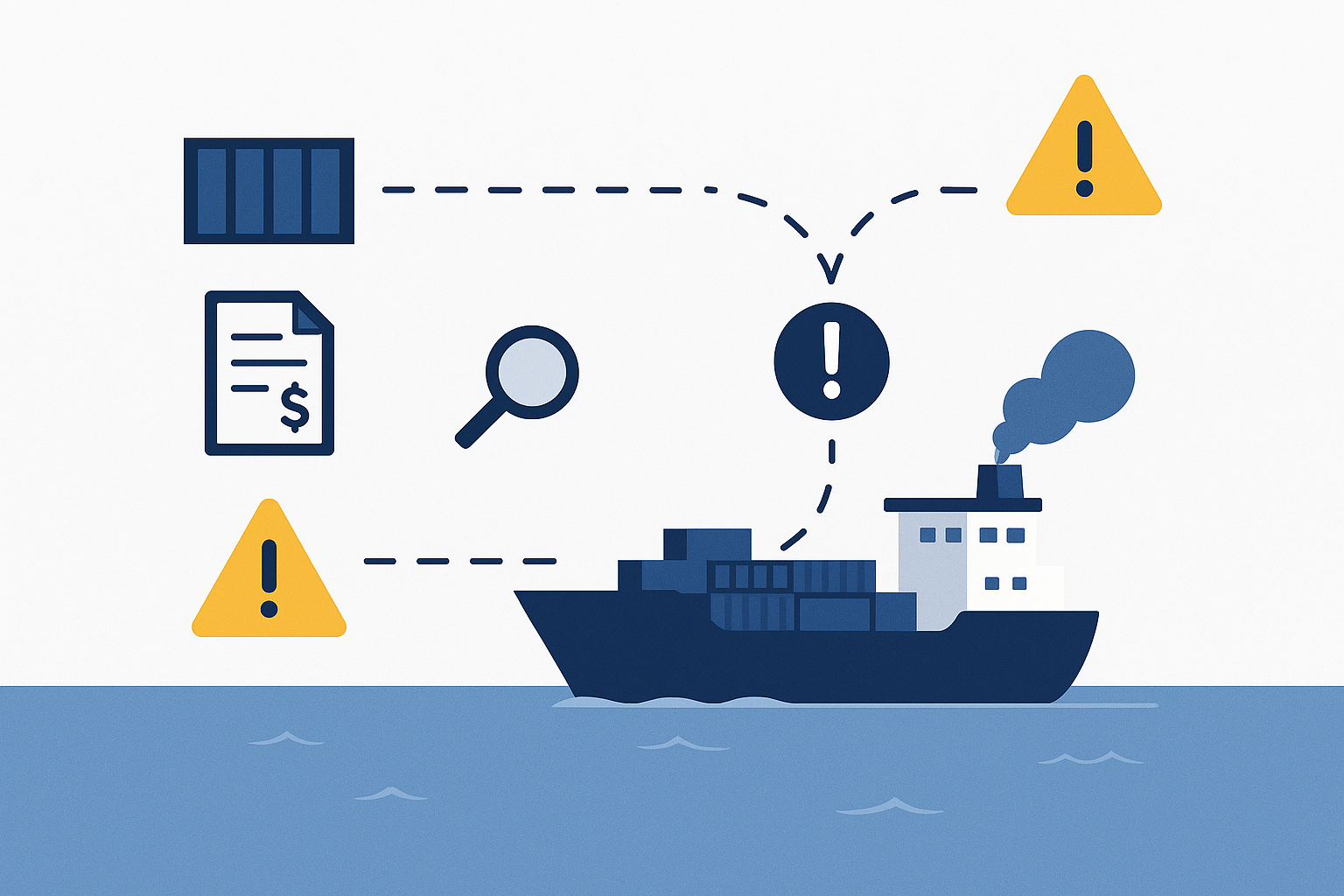
Logistics teams are under pressure like never before—tight delivery windows, rising customer expectations, and constant cost pressures. But one issue silently disrupting operations? Misunderstood or mishandled tracking error messages.
Whether you’re managing trans-Pacific container shipments or final-mile parcel deliveries, status updates like “Delivery Attempted – Unable to Locate Address” or “Exception in Transit” can lead to costly delays, missed KPIs, and frustrated customers—especially if you don’t act fast.
This guide breaks down the most common freight tracking error messages in 2025—what they really mean, where they typically occur, and how logistics teams can respond before damage is done.
🚨 Top Freight Tracking Error Messages (and What to Do About Them)
| Error Message | What It Means | What You Can Do |
|---|---|---|
| “Delivery attempted – unable to locate address” | The driver reached the general area but couldn’t locate the exact delivery point. | Confirm address formatting (suite/unit #), share map pins or contact numbers with the carrier, notify customer support. |
| “Consignee not available / business closed” | No one was present to receive the shipment; the facility was closed or unavailable. | Reschedule delivery, alert the consignee, or reroute to an alternate location if possible. |
| “Shipment delayed – exception in transit” | An issue like port congestion, weather delay, or customs inspection occurred mid-transit. | Check carrier notices, revise ETA projections, notify customers, adjust downstream workflows. |
| “Held at customs” | The shipment is under inspection or missing required documentation. | Contact your customs broker, confirm HTS codes, and ensure paperwork (commercial invoice, packing list) is complete. |
| “Out for delivery” (but no update in 24+ hours) | The last-mile scan was completed, but the final delivery was not confirmed—likely a delay or scan failure. | Escalate to the carrier, monitor next scan event, or trigger a customer alert if stalled beyond 1 day. |
| “Awaiting pickup from facility” | The goods are ready but not picked up by the carrier/3PL yet. | Coordinate pickup timing, confirm with the forwarder, verify cutoff schedules at the origin warehouse. |
| “Delivery failed – address inaccessible” | Access was blocked due to gated community, security hold, or inclement weather. | Share gate codes or alternate time slots, alert the receiver, and flag for future access instructions. |
| “Returned to origin – refused delivery” | The recipient rejected the shipment—possible reasons: damage, wrong goods, or no longer needed. | Investigate the issue, issue an RMA if needed, and arrange for return or disposal logistics. |
| “No shipping record found” | The tracking number hasn’t synced yet or was incorrectly entered. Common with ocean shipments or B/L visibility delays. | Recheck B/L number, allow for sync time (esp. cross-border or ocean), or verify with the carrier. |
🛠️ Troubleshooting Tips for Logistics Teams
- Enable Smart Alerts: Use milestone-based notifications (departure, arrival, customs release) to reduce dependency on vague status updates like “Exception in Transit.”
- Train Teams on Interpretation: Build SOPs around error messages to standardize response times and avoid miscommunication with customers.
- Leverage Tiered Escalation: Set rules to escalate unresolved “Out for Delivery” statuses after 24 hours or more—automatically notify account managers or 3PLs.
- Use Data to Spot Recurrence: If “Consignee Not Available” shows up repeatedly at a certain location, flag that site for time-window review or pre-arrival alerts.
📍 Where These Errors Happen Most: Ocean vs. Inland vs. Last Mile
Not all tracking errors are created equal. Some are much more common in ocean freight and customs clearance, while others appear frequently during last-mile delivery or 3PL handoffs. Here’s how they break down by logistics phase:
| Error Message | Most Likely Phase |
|---|---|
| “No shipping record found” | Ocean freight (pre-departure, B/L sync lag) |
| “Held at customs” | Port clearance, cross-border shipments |
| “Shipment delayed – exception in transit” | Multimodal or intercontinental freight (port delays, weather, customs) |
| “Awaiting pickup from facility” | First-mile warehouse, 3PL pickup failures |
| “Out for delivery” – no update | Last-mile delivery (parcel or LTL freight) |
| “Delivery attempted – unable to locate” | Last-mile, B2C shipments, rural locations |
| “Consignee not available / business closed” | Final-mile B2B/B2C delivery (timing mismatch) |
| “Returned to origin – refused delivery” | Last-mile or distribution hub issues |
| “Delivery failed – address inaccessible” | Urban deliveries, gated areas, weather-affected zones |
Understanding where each error tends to occur helps logistics teams take proactive mitigation steps—from double-checking B/L uploads to adding local delivery instructions at checkout.
🔍 How TRADLINX Reduces Delivery Tracking Errors
Most visibility platforms only show errors—TRADLINX helps you prevent them. With a blend of ocean-focused visibility and practical inland event tracking, TRADLINX helps reduce the most frustrating delivery disruptions.
- Proactive B/L Syncing: Eliminate “No shipping record found” with automated, verified B/L data uploads from origin ports.
- Customs Milestone Integration: Get accurate status on customs holds and releases with real-time API feeds from major ports.
- Smart Event-Based Alerts: Avoid vague delays like “Exception in Transit” by using TRADLINX’s granular shipment milestones—departure, ETA change, arrival.
- Fallback Escalation for “Out for Delivery” Gaps: Escalates to human review if final delivery confirmation is missing for over 24 hours.
- Receiver Access Instructions: Ensure deliveries reach their final stop by attaching gate codes, hours of operation, or alternate contacts within the shipment record.
With TRADLINX, you don’t just react—you plan ahead. And when issues arise, support teams can act fast because the data is clean, centralized, and visible in real-time.

💡 Key Questions Shippers Are Asking in 2025 (And Answers)
- Why does my tracking say “Out for Delivery” for two days?
This usually happens when the last-mile scan didn’t register delivery. It may be delivered but unconfirmed, or it’s delayed without status update. Escalate to the carrier if it persists beyond 24–48 hours. - What does “Exception in Transit” mean?
This is a generic error for any unplanned disruption—weather, customs, or carrier scheduling changes. You’ll need to check the shipment history or contact the carrier directly. - How can I avoid “Held at Customs” delays?
Make sure HS codes are correct, all commercial documents are filed, and your customs broker has real-time access to the shipment. Partnering with a platform like TRADLINX helps verify documentation early. - Why do some addresses fail delivery even when correct?
Access restrictions (gated buildings), missing contact info, or driver unfamiliarity are common causes. Include delivery instructions and receiver contact details in your order data.
These questions show up in customer support queues and internal ops teams every day. Building internal knowledge—and using smarter tools—can reduce escalations and failed delivery loops.
🚛 Conclusion: Don’t Let Tracking Errors Derail Your Supply Chain
From customs holds to “undeliverable” status messages, tracking errors are more than annoyances—they’re costly disruptions. In 2025’s complex logistics environment, you need visibility that flags real issues, filters out noise, and helps your team act fast.
TRADLINX Ocean Visibility combines B/L-based tracking, milestone intelligence, and proactive data alerts to give you clarity when delivery gets messy. Instead of reacting to errors, you stay ahead of them—with confidence and context.
Prefer email? Contact us directly at min.so@tradlinx.com (Americas), sondre.lyndon@tradlinx.com (Europe) or henry.jo@tradlinx.com (EMEA/Asia)




Leave a Reply