
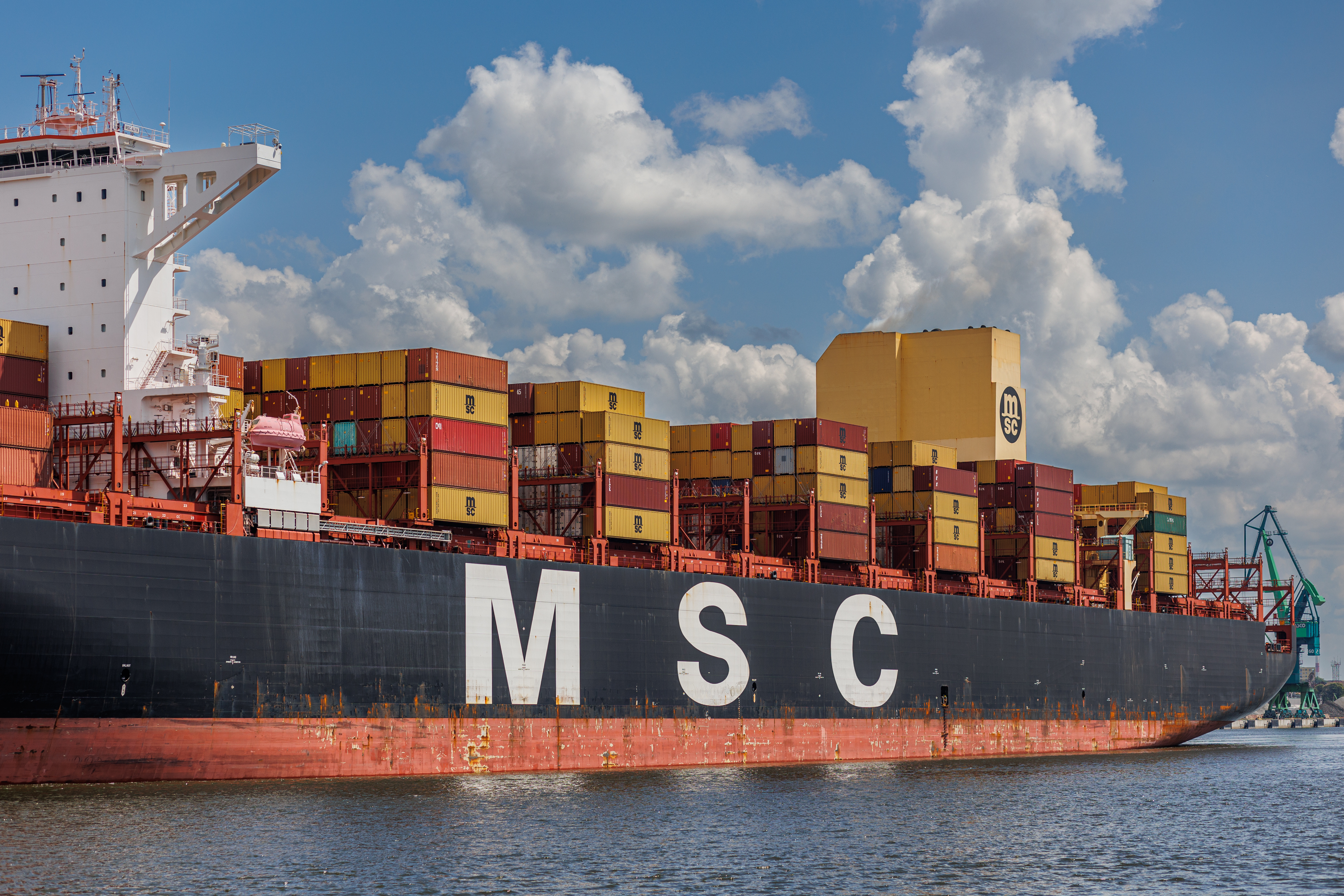
Quick answer: “Pending vessel” is a user label for a planned leg that is not yet tied to a specific ship. MSC’s pages may show limited details until a feeder or main leg assignment is confirmed. Once operations confirm the plan and the container is loaded, your view flips to concrete milestones like Loaded and Discharged. Treat “pending” as a planning state, not an error.
How to translate “pending vessel” into standardized milestones
Carriers distinguish between planned and actual events. DCSA’s Track & Trace standard defines the difference and aligns labels across systems. On MSC, the record becomes more specific when equipment events are confirmed and transmitted through the line’s interfaces. Until then, the shipment can appear booked without a named vessel or onward leg.
- Planned stage: Booking exists, onward vessel not final. Expect limited schedule detail in Track & Trace. This is consistent with DCSA’s planned versus actual event model (DCSA T&T).
- Actual stage begins at Gate In: Terminal receives the box. The next decisive change is Loaded. MSC defines these milestones in product materials (iReefer FAQ 4.2–4.5).
- After loading: The record anchors to a real vessel and voyage. From here the page should progress through Discharged and Gate Out as events post.
Realistic triggers that keep a vessel “pending”
- Feeder assignment not finalized at the transshipment hub.
- Schedule change causes a roll to a later sailing.
- Documentation or cut-off timing holds the box in yard after Gate In.
- System handoffs delay when the named vessel appears in your customer view, even though planning is active in operational systems. MSC’s status payloads are standardized through interfaces like X12 315, which post when confirmed (MSC X12 315).
Tip: If your route shows a transshipment but no named feeder, treat ETAs as provisional. Re-plan delivery tasks only after you see Loaded on the outbound leg.
What to do about it
- Check the booking and container in myMSC with the correct agency scope, and enable Last Free Date if you need pickup timing (guide).
- Subscribe to MSC email notifications so the page tells you when a vessel is assigned or when Loaded posts (announcement).
- Use status mapping: Pending vessel ≈ planned state. Loaded = confirmed leg. Discharged = confirmed arrival to yard. Gate Out = handoff to inland.
- If nothing moves after cut-off, assume a roll and check the next available sailing in MSC schedules (Search a schedule).
What could still be confusing: “Pending” is not an MSC promise or a timer. It is a planning state. Only equipment events like Loaded convert plans into firm transport legs.
Methods and sources
- DCSA Track & Trace standard documentation and DCSA shipping glossary
- MSC Track & Trace
- MSC X12 315 Track & Trace specification
- MSC iReefer FAQs for milestone definitions and upload behavior
- MSC: Automatic email notifications

Next steps
Cross check your BL across carriers in one view. Try our tracking page. Want automated status change alerts across carriers? Talk to us.
Prefer email? Contact us directly at min.so@tradlinx.com (Americas), sondre.lyndon@tradlinx.com (Europe) or henry.jo@tradlinx.com (EMEA/Asia)



Leave a Reply