
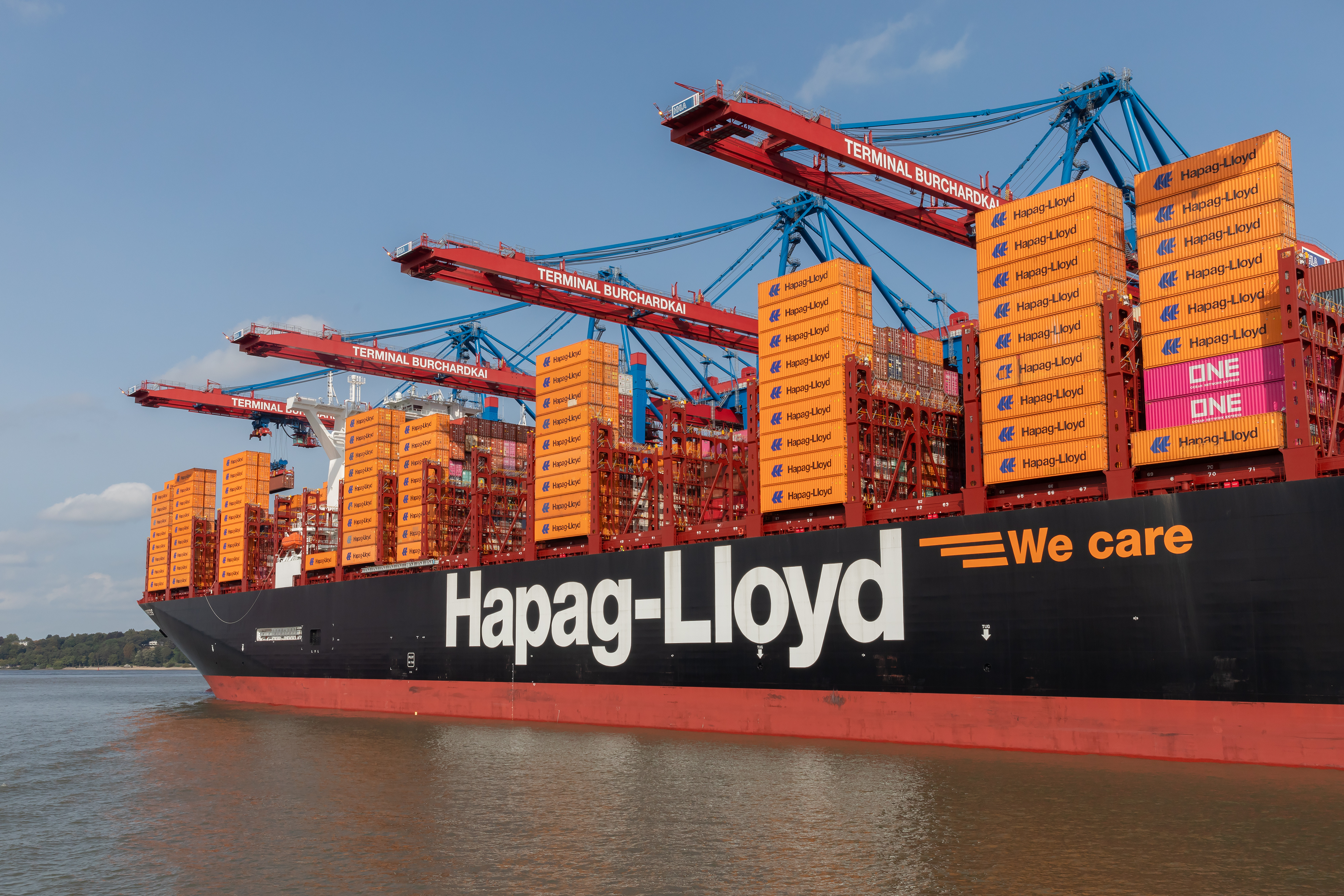
Looking to track your Hapag-Lloyd containers in real time? Whether you’re moving cargo from Hamburg to New York or navigating transatlantic routes, this 2026 guide shows how to track your shipments using TRADLINX, offering more visibility and updates than Hapag-Lloyd’s own tools.
1. What You Need to Track Hapag-Lloyd Containers
Make sure you have one of these identifiers ready to track your shipment:
- Container Number: Usually starts with
HLXU(e.g.,HLXU1234567). - Booking Number: Issued upon shipment confirmation.
- Bill of Lading (B/L) Number: Useful for multi-container tracking under one shipment.
Use our Hapag-Lloyd Container Tracking Tool to access real-time status updates and milestone alerts.
2. How to Track Your Hapag-Lloyd Container (Step-by-Step)
- Step 1: Visit the Hapag-Lloyd tracking page on TRADLINX.
- Step 2: Enter your container number (e.g.,
HLXU1234567). - Step 3: Click “Track Container” to view its location, ETA, and latest milestones.
Why Use TRADLINX Over Hapag-Lloyd’s Own System?
- Faster updates pulled from global carrier and port data.
- Supports cross-carrier and batch tracking.
- Full milestone coverage including transshipment and final delivery.
3. Understanding Hapag-Lloyd Container Status Updates
| Status | Description |
|---|---|
| Gate In | Container received at port terminal, waiting to be loaded. |
| Loaded | Container placed on vessel and cleared for sailing. |
| In Transit | Vessel is en route to destination port. |
| Discharged | Container offloaded at destination port. |
| Out for Delivery | Final delivery in progress. |
4. Troubleshooting Common Hapag-Lloyd Tracking Issues
- No tracking found? Make sure your container number is entered in the correct format (e.g.,
HLXU1234567). - Delayed updates? TRADLINX aggregates data from multiple sources to minimize blind spots.
- Want more context? Use vessel tracking for real-time ship movement updates alongside container status.
If tracking appears incomplete, our support team can help resolve data gaps or delay-related questions.
5. A Smarter Way to Track Multi-Container Shipments
Tracking individual containers is not only time-consuming—it can get expensive. TRADLINX’s Bill of Lading (B/L) tracking solves this by letting you track multiple containers under one B/L number at a single flat rate.
This method is ideal for forwarders, importers, and shippers managing full-load or transshipment-heavy routes.
- One Price for All Containers: Flat-rate B/L tracking reduces costs.
- Improved Accuracy: Stay updated across all modes and transfers.
- Unified View: Get full shipment visibility in one dashboard.
Discover the advantages of B/L vs. container tracking in high-volume logistics.

6. Hapag-Lloyd Container Tracking FAQs
- Can I track multiple Hapag-Lloyd containers?
Yes. TRADLINX supports batch tracking and full B/L tracking for multiple containers. - Is tracking free?
Yes, basic container and vessel tracking are free to use. - Which lanes are covered?
Hapag-Lloyd routes across the North Atlantic, Europe, Asia, and the Americas are supported. - What’s the best way to track multi-container shipments?
Use B/L tracking to monitor all containers in one shipment under a single, cost-effective rate. - What else can I track on TRADLINX?
Track by vessel name, IMO, MMSI, or use B/L-level tools for full visibility across carriers. - Is my data secure?
Yes, TRADLINX uses enterprise-grade encryption to protect all shipment data.
Start tracking your Hapag-Lloyd containers with more control and fewer blind spots. Try our Hapag-Lloyd Container Tracking Tool now.
Prefer email? Contact us directly at min.so@tradlinx.com (Americas), sondre.lyndon@tradlinx.com (Europe) or henry.jo@tradlinx.com (EMEA/Asia)



Leave a Reply