
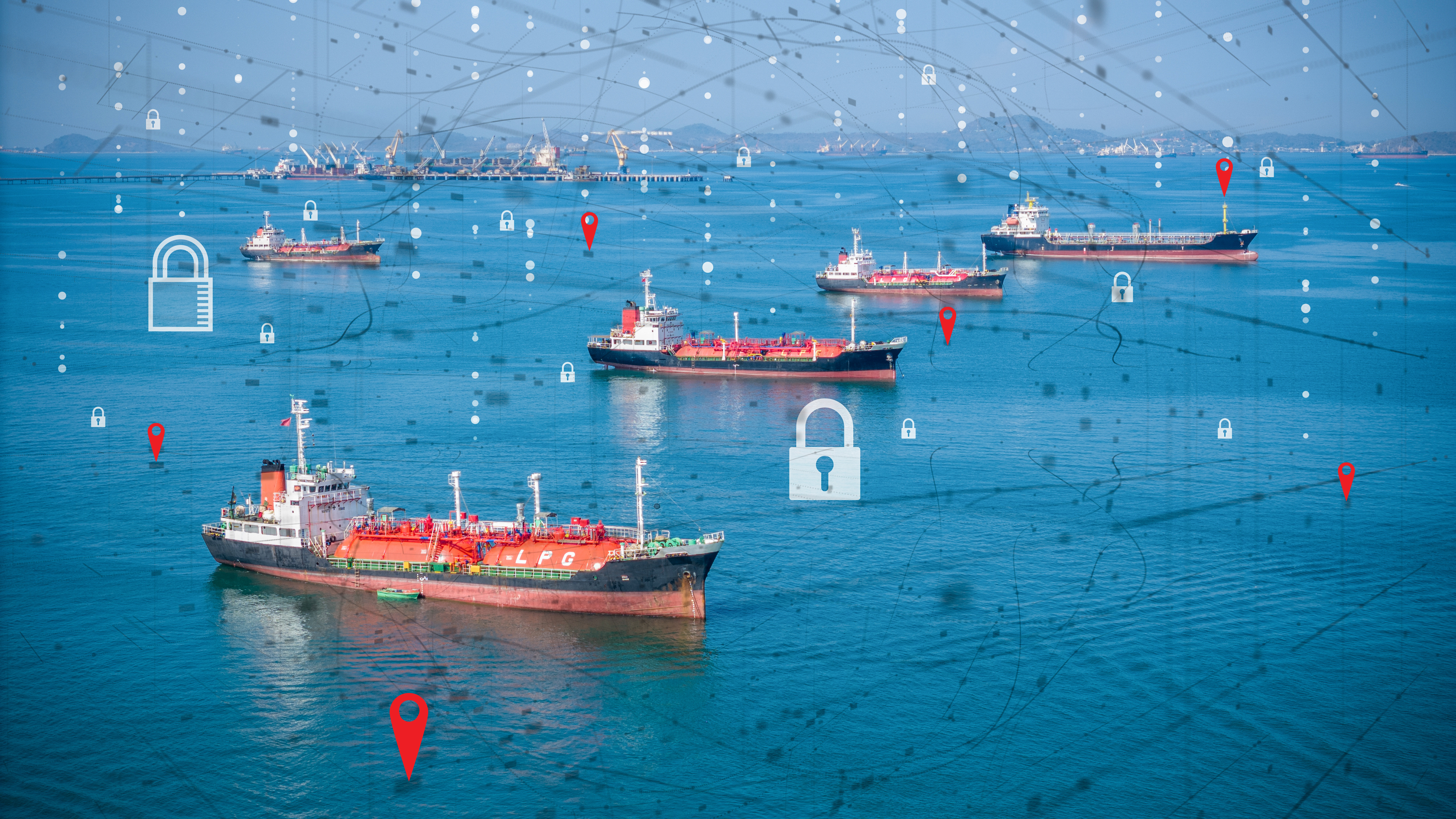
Ocean visibility is no longer a map on a big screen. It is the data layer that connects logistics, procurement, planning, and customer teams whenever a container moves.
The problem is that each department wants something different from the same platform:
- Logistics wants better ETAs, fewer tabs, and clear exceptions.
- Procurement wants predictable cost and clean contract terms.
- IT wants an architecture that does not create another fragile integration.
- Customer teams want one reliable answer to “where is my container” that they can share with accounts.
When supply chain leaders search for tracking tools without making these needs explicit, they end up with tools that are loved by one team and quietly ignored by others.
This buyer’s guide helps you choose one ocean visibility platform that logistics, procurement, IT, and customer teams can actually share. It covers maturity levels, department-specific requirements, a shared evaluation framework, and how to decide which category of tool fits your network.
The Three Levels of Container Tracking Maturity
Before comparing vendor names, decide which maturity level you actually need.
Level 1: Single Carrier Portals and Free Tools
Teams use a mix of carrier websites, terminal portals, carrier-branded customer apps (myMSC, Hapag-Lloyd Navigator, CMA CGM eBusiness, Maersk’s customer platform), and basic public trackers. Coordinators get fast at opening several tabs and reading events by eye.
This works when you have a small carrier mix, operate on a few trade lanes, and do not need standardized visibility across regions or business units.
Limitations appear once volume increases: every team builds their own spreadsheet to reconcile events, there is no consistent ETA definition across shipments, and customer-facing teams cannot see the same view as operations without manual copying.
Level 2: Multi-Carrier Portals for Coordinators
The next step is a multi-carrier portal that aggregates container events from many shipping lines into one interface. Tools in this category include Shipsgo, GoComet, Searates, and similar self-service trackers. Coordinators get one login, status notifications can be configured without IT involvement, and small to mid-sized teams can improve visibility quickly.
Typical limitations: analytics and KPI reporting are limited, integration with TMS or ERP may be basic or unavailable, and pricing may not be designed for high volume or cross-regional governance. Some Level 2 tools graduate toward Level 3 features over time, so the line between the two is not always sharp.
Level 3: Enterprise and Specialist Ocean Visibility Platforms
These platforms sit on top of carrier and port data and offer standardized events, predictive ETAs, alerts, APIs, and analytics. They are designed to provide one canonical timeline per shipment that all departments can use, feed TMS and ERP with standardized events, and support use cases from control towers to demurrage dashboards.
This level includes two subcategories:
- Full multimodal enterprise platforms (such as project44, FourKites, Shippeo) that cover ocean alongside road, rail, and air.
- Ocean specialists and API-first tools (such as Terminal49, Vizion, Tradlinx) that focus on collecting and standardizing container events and exposing them through APIs and portals that fit into existing systems.
The key question is less “which brand” and more “which maturity level fits our network and our internal teams today.”
What Logistics and Supply Chain Teams Need
Logistics teams live in the details of shipments. For them, a visibility tool succeeds or fails on whether it makes daily work simpler and more reliable.
Operational needs:
- Reliable ETAs that improve on carrier predictions and refresh frequently.
- Milestones that match how they plan: gate-in, cutoff, vessel departure, discharge, availability, gate-out. Look for vendors aligned with the DCSA Track & Trace event taxonomy — it makes integrations and carrier comparisons cleaner.
- Exception views that highlight late or at-risk containers instead of forcing manual searches.
- Coverage for their actual trade lanes and carriers, not generic claims. Ask for the specific carrier list and the percentage of global container traffic covered, then test against your top 20 lanes.
Planning needs:
- Performance metrics by lane, carrier, port pair, and terminal.
- Port congestion signals and dwell time trends.
- Visibility into transshipment risk and missed connections.
If the platform does not fit how logistics actually plans and reports, it will never become the single source of truth the rest of the company expects.
What Procurement and Finance Need
Procurement and finance come to the visibility conversation with different priorities: spend predictability, risk governance, and contract clarity.
Pricing models to understand:
- Per container: a fixed fee for each tracked container. Simple, but can become expensive for multi-container shipments and peak season spikes.
- Per bill of lading: one fee per B/L regardless of container count. More efficient when you routinely move many containers under one B/L.
- Subscription or volume tiers: annual fees tied to forecasted volume bands.
- Freemium: limited free tracking with paid upgrades.
The math gets meaningful fast. A typical FCL shipment under one B/L can carry anywhere from 1 to 20+ containers. For a 12-container shipment, per-container pricing costs 12x what per-B/L pricing costs for the exact same move. Across an annual contract covering tens of thousands of containers under a few thousand B/Ls, that ratio compounds into six- or seven-figure differences. Always test pricing models against your real shipment profile — broken down by lane, business unit, and seasonal peak — before signing a multi-year agreement.
Contract and governance needs:
- SLAs for uptime, support, and data refresh cadence.
- Data ownership and export rights if the platform is changed or replaced.
- Security certifications and compliance posture.
- Vendor stability and roadmap clarity.
Visibility data has long-tail value. It feeds carrier scorecards, lane sourcing, and continuous improvement for years. Tools that make it easy to export standardized events into BI platforms or sourcing tools will be treated more favorably in RFPs.
What IT and Digital Teams Need
IT teams are often asked to “just integrate” whatever tool operations or procurement has chosen. Bringing them into the evaluation early avoids friction later.
Integration patterns to evaluate:
- APIs into TMS, ERP, WMS, and control towers so planners see tracking data where they already work.
- Widgets and embeddable views for customer portals and internal dashboards.
- Event streams, webhooks, or messaging into workflow tools and alert systems.
Questions IT will ask:
- Is there a well-documented API with event schemas and rate limits? Does it follow DCSA standards?
- Does the platform support our authentication and SSO model?
- How does it fit into our existing integration and monitoring stack?
- How often do carrier and terminal connections change, and how does the vendor keep integrations stable?
- What data validation is performed before events hit our systems?
If you cannot explain these points internally, IT will assume hidden maintenance risk and push for extra time and budget or resist the project entirely.
What Customer Teams Need
Customer service, sales, and key account teams benefit when there is one canonical view of each shipment that can be shared externally. Their needs are often the simplest to articulate and the hardest to deliver:
- Live shipment status customers can check themselves.
- Embeddable tracking or branded portals that reduce “where is my container” inquiries.
- Clear, proactive notifications when something goes wrong.
- One reliable answer that matches what operations sees internally.
If customer teams cannot trust the platform enough to share its output directly with accounts, they will build ad-hoc trackers on the side, and visibility becomes a support burden instead of a value-added service.

A Shared Evaluation Framework for Your Next RFP
Score candidate tools across five criteria and have each department review independently. Differences in scoring surface hidden assumptions early rather than in the last week of an RFP.
1. Coverage Fit
- Carriers and trade lanes you actually use.
- Key ports and terminals for your network.
- Intermodal and inland coverage where relevant.
2. Data Quality and ETA Performance
- How often data is refreshed.
- How predictive ETAs compare to historical carrier performance. Ask vendors how their accuracy is measured (MAE in hours? % within 24 hours of actual?) and over what shipment sample.
- How exceptions and late shipments are flagged.
3. Pricing Model and Total Cost
- Per container, per B/L, or subscription structure.
- Impact on multi-container shipments and seasonality.
- Budget predictability for procurement and finance.
4. Integration and IT Fit
- Availability of APIs, webhooks, and widgets.
- Security, SSO, and user management.
- Alignment with existing architecture.
5. Fit for Each Internal Team
- Logistics: daily tracking, exception management, port and terminal insights.
- Procurement: pricing model clarity, SLAs, data for sourcing decisions.
- IT: API documentation, integration stability, monitoring access.
- Customer teams: embeddable tracking, notifications, self-service.
Choosing the Right Category of Tool
When a freemium or simple multi-carrier tracker is enough: You move relatively low volumes, do not plan major process changes around ocean visibility, and primarily need coordinators to check status in one place.
When you need a full enterprise visibility platform: You operate at global scale across many regions and business units, need multimodal visibility covering road, rail, and air alongside ocean, and plan to feed data into a control tower or centralized planning system.
When an ocean specialist or API-first tool fits better: You care primarily about ocean visibility, have internal teams that can build their own interfaces and analytics, and want a simpler commercial model with a data-centric approach. This category includes tools that handle the heavy lifting of collecting and standardizing container events while letting you integrate into your existing stack.
The right answer depends on your network, your internal capability, and what you are actually trying to change in your operations. A practical step before talking to any vendor: take a sample of your shipment data, classify it by B/L structure and lane, and compare how different pricing models and tool categories would perform on your actual volume.
The Most Important Step After You Choose a Tool
The most overlooked step is internal alignment on definitions and workflows. Once you choose a platform, invest time in:
- Agreeing on event definitions: what “late,” “at risk,” and “available for pickup” mean in your organization.
- Defining who receives which alerts and how they should respond.
- Deciding how visibility data will feed planning cycles, sourcing reviews, and customer communication.
Without that governance layer, even the best visibility platform will turn into another screen that different teams interpret in different ways.
FAQ
Who should own the ocean visibility platform?
Ownership usually sits with supply chain or logistics leadership because they feel the operational impact every day. Procurement and IT should be involved from the start. A practical model: logistics leads on requirements, procurement leads on pricing and contracts, IT leads on integration and security.
How should we compare per-container and per-B/L pricing?
Start with your shipment profile. If most shipments contain one or two containers, per-container pricing may be straightforward. If many shipments have ten, twenty, or more containers under one B/L, a per-B/L model can be significantly more cost-effective. Run the numbers by lane and business unit and stress-test for peak seasons before signing a multi-year agreement.
What if a vendor refuses to agree to any SLA beyond generic uptime?
If a visibility provider will only commit to basic server uptime and nothing about data freshness, coverage, or integration health, take that as a signal. It may mean their internal monitoring is not mature enough to support specific guarantees. You do not have to walk away automatically, but treat that vendor as a higher risk choice for mission-critical use.
Further Reading
- DCSA Track & Trace standards — neutral industry standards for container event data and APIs
- Gartner Peer Insights — Real-Time Transportation Visibility Platforms — free user reviews across major vendors
- Sea-Intelligence Global Liner Performance reports — monthly carrier schedule reliability benchmarks (useful for evaluating vendor ETA accuracy claims)
- Container News — Top platforms for supply chain visibility
Need help interpreting this disruption or your shipment?
For a quick question, chat with Tradlinx on WhatsApp. For a deeper discussion, book a time below.
Prefer email? Contact us directly at min.so@tradlinx.com (Americas), sondre.lyndon@tradlinx.com (Europe), or henry.jo@tradlinx.com (EMEA/Asia).



Leave a Reply